
How to Recognize Battery Problems in Mr Fog Aura 60K Puffs
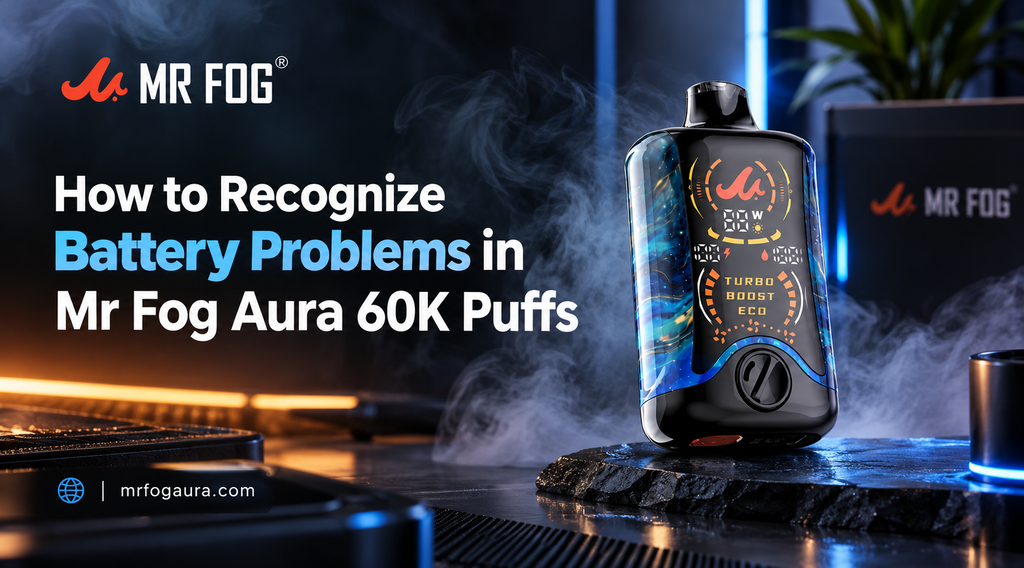
Table of Contents
- Understanding Modern Vape Battery Warning Signs
- Interpreting Screen Indicators and Battery Percentage Sags
- Recognizing Rapid Power Drain and Voltage Drops
- Identifying Charging Port Obstructions and Loose Connections
- How High Power Modes Impact Overall Battery Life
- Navigating Temperature Protection and Overheating Alerts
- Troubleshooting Unresponsive Screens and Auto-Cutoff Signals
- Best Practices for Extending Daily Battery Performance
High-capacity rechargeable disposable devices bring incredible convenience to daily vaping. With extended juice reservoirs and fast-charging capabilities, keeping your device ready for use is usually effortless. However, like all electronic devices powered by internal lithium-ion cells, occasional power issues or unexpected battery behaviors can arise over time.
Recognizing the early warning signs of power cell stress helps you fix minor glitches before they impact your overall experience. When adult vapers explore MR FOG AURA 60K disposable vapes, knowing how the internal circuit board communicates status updates ensures seamless daily operation. Spotting whether an issue stems from a simple dirty port, a worn cable, or an active safety lockout makes troubleshooting straightforward and stress-free.
Understanding Modern Vape Battery Warning Signs
Rechargeable disposables rely on built-in power regulation circuits to monitor cell voltage, thermal limits, and charging current. When the system detects an abnormality, it alerts you through screen notifications or LED light sequences.
Recognizing these indicators early prevents frustration during daily use. Common symptoms of battery stress include sudden drops in reported charge percentage, weak vapor output despite a high screen readout, or a device that grows warmer than usual during regular draws. Understanding how these protection features function gives you total confidence when managing your device.
Interpreting Screen Indicators and Battery Percentage Sags
The built-in digital screen provides real-time information about energy levels and active power settings. However, reading these gauges accurately requires understanding how voltage sag works under heavy load.
When taking a draw from you Mr Fog Aura 60K Disposable Vape, the battery momentarily experiences a heavy energy draw, which can temporarily dip the displayed percentage. Key screen behaviors to watch for include:
- Rapid Percentage Drops: The digital counter drops several percentage points after a single long puff, resting higher once allowed to idle.
- Blinking Battery Outline: The display icon flashes continuously during draws or charging, signaling low voltage or a poor cable connection.
- Static Zero Percent Display: The screen reads completely empty even immediately after being plugged into a power source for an extended period.
Recognizing Rapid Power Drain and Voltage Drops
If your battery drains significantly faster than expected throughout the day, environmental factors or coil usage habits may be involved. Lithium-ion chemistry reacts strongly to ambient conditions, especially extreme cold or high heat.
Exposing your hardware to cold winter air causes liquid electrolytes inside the battery housing to thicken, temporarily raising internal resistance. This causes rapid voltage drops that trick the internal chipset into signaling a depleted charge. Keeping your device stored at room temperature prevents artificial battery drain and stabilizes daily power output.
Identifying Charging Port Obstructions and Loose Connections
Charging failure is often mistaken for a completely dead battery cell. In reality, the most frequent cause of charging issues is pocket lint or sticky debris collecting inside the Type-C port.
Exploring vibrant options across Mr Fog Aura Vape Flavors requires keep-it-ready power, so maintaining clean electrical contacts remains essential. Pocket debris prevents the charging plug from making complete contact with internal pins, triggering protective blinking signals. Using a dry wooden toothpick or soft brush to gently clear out the port restores a firm cable connection quickly.
How High Power Modes Impact Overall Battery Life
Modern high-capacity devices feature multiple wattage settings, such as Eco, Boost, and Turbo modes. While higher modes increase flavor intensity and vapor volume, they place double the current demand on the internal battery.
Searching for a Mr Fog Aura Vape Near Me ensures quick access to fresh hardware, but managing your power settings maximizes the lifespan of your current unit. Frequently using high-wattage boost modes causes elevated current draws that heat the battery cell faster. Switching back to standard or Eco modes during casual use reduces battery strain and extends time between charges.
Navigating Temperature Protection and Overheating Alerts
Safety circuits automatically shut off power if the internal battery cell or control board reaches high thermal limits. This built-in cutoff prevents permanent damage to internal components and ensures safe daily handling.
Signs that your device has activated thermal protection include:
- Warm Chassis Feeling: The outer casing feels uncomfortably hot to hold after continuous back-to-back draws.
- Temporary Cutoff: The device stops firing mid-inhale and displays a warning symbol or blinking light pattern.
- Charging Pause: Plugging in a warm device results in no screen response until the unit cools down indoors.
Troubleshooting Unresponsive Screens and Auto-Cutoff Signals
An unresponsive device does not always mean the power cell has failed completely. Modern hardware includes lock settings and auto-cutoff timers designed to prevent accidental firing inside pockets or bags.
If the screen stops responding or the device refuses to hit, check whether the multi-button lock sequence was accidentally engaged. Performing a brief system reset by plugging the device into a verified standard Type-C wall charger for five minutes often clears minor electronic freezes and reactivates the display screen smoothly.
Best Practices for Extending Daily Battery Performance
Taking proactive steps with daily care prevents battery problems before they happen. Simple habits go a long way in maintaining consistent energy delivery, optimal vapor production, and overall safety throughout the lifespan of your device.
Always use standard USB-C charging cables connected to stable wall adapters or computer USB ports rather than high-amperage fast chargers that generate excess heat. Avoid leaving hardware charging on soft furniture or inside unventilated vehicles overnight. By caring for your electrical components and monitoring screen signals, your MR FOG AURA disposable vapes will remain reliable, efficient, and ready to deliver satisfying performance until the last draw.